Fraud protection.
Now it’s personal.
ANZ Falcon® technology monitors millions of transactions every day to help keep you safe from fraud.
Falcon® is a registered trademark of Fair Isaac Corporation.


Fraud protection.
Now it’s personal.
ANZ Falcon® technology monitors millions of transactions every day to help keep you safe from fraud.
Falcon® is a registered trademark of Fair Isaac Corporation.
Log in
Explore more
Whether you’re eating out or heading off to your favourite store - grabbing groceries or browsing online, you can make easy and secure mobile payments on the go with a digital wallet.
Why do you need a digital wallet?

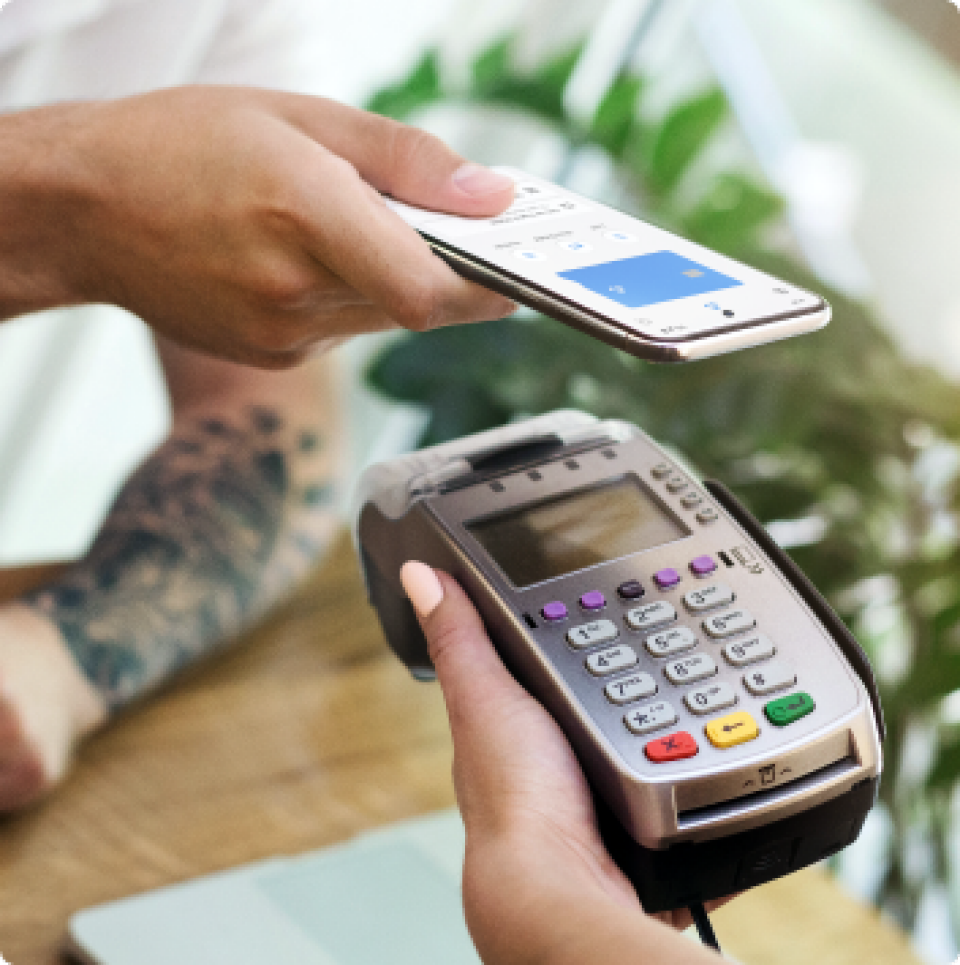
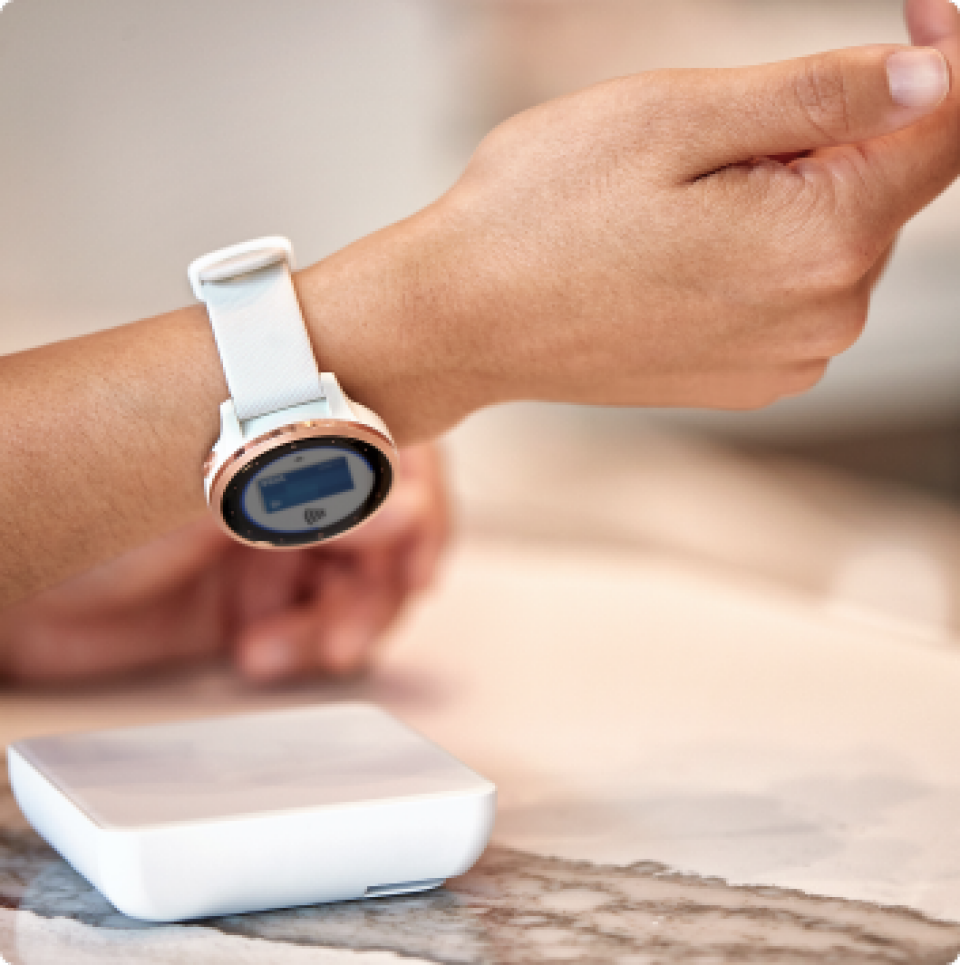
A digital wallet is a quick, easy and secure way to pay for purchases using your phone or wearable device (like a smartwatch or fitness tracker).
You can use your digital wallet at stores worldwide, anywhere that accepts contactless mobile payments.
So make your life a little easier and join the 1 in 4 Australians who regularly leave their physical wallet at home.disclaimerSet up your digital wallet today.
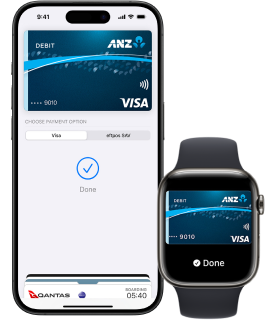
While it’s not one of life’s absolute necessities (hello, oxygen), having a digital wallet can make life that little bit sweeter.
Do you need a fancy coffee from your local café?
Do you need to grab a taxi instead of a train?
Do you need another trip to your fave DIY store?
You might not need them, but they sure do bring a lot of joy (we see you, DIY enthusiasts).
Plus, you can pay for all of them with a quick tap of your digital wallet.
Too easy!

Any advice does not take into account your personal needs and financial circumstances and you should consider whether it is appropriate for you. ANZ recommends you read the applicable product terms and conditions, which are available at anz.com or by calling 13 13 14 or for ANZ Plus at anz.com/plus before deciding whether to acquire, or continue to hold, the product. Fees, charges and eligibility criteria apply.
Mobile payments available on compatible devices and eligible ANZ cards.
Separate terms and conditions apply to the use of Apple Pay, Google Pay, Samsung Pay, Fitbit Pay and Garmin Pay.
Apple, Apple Pay and iPhone are trade marks of Apple Inc., registered in the U.S. and other countries.
Android, Google Pay, and the Google Logo are trademarks of Google LLC.
Samsung and Samsung Pay are trademarks of Samsung Electronics Co., Ltd.
Garmin, the Garmin logo, and the Garmin delta are trademarks of Garmin Ltd. or its subsidiaries and are registered in one or more countries, including the U.S.. Garmin Pay is a trademark of Garmin Ltd. or its subsidiaries.
Fitbit and the Fitbit logo are trademarks or registered trademarks of Fitbit, Inc. in the U.S. and other countries.
Content on this page is accurate as at 20 February 2024 and is subject to change.
